Salah wardi
Figma to Framer: Zero-Code Motion Prototypes That Win Clients
I still remember the exact Slack message:
“Mate, the prototype you sent feels like an app already. Signed the $18k contract this morning.”
That was the day I stopped delivering flat Figma decks.
Motion sells emotion. Framer sells motion—without writing a single line of React.
Why Clients Pay 3× More for Motion (and How Framer Cashes In)
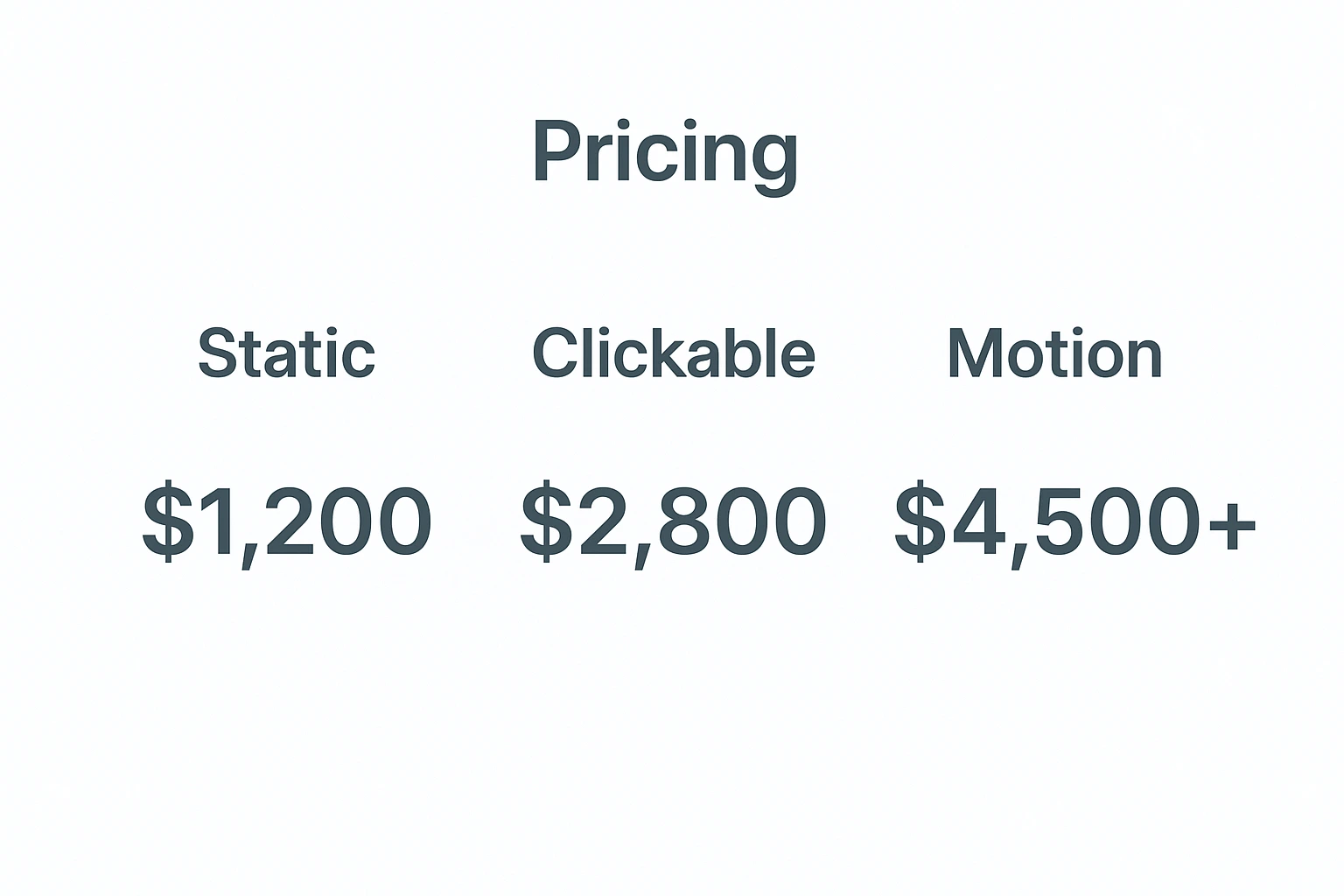
Static mockup → $1,200
Clickable prototype → $2,800
Framer motion prototype → $4,500+
Same 4 hours. Different perceived value.
Step 0: Grab My “Plug-and-Play” Starter Kit (Free)
→ Download kit (Google Drive, no sign-up)
Inside:
• Figma file with 40 pre-animated components
• Framer remix link (click “Duplicate”)
• 7 ready-to-copy scroll triggers
Step 1: Prep Your Figma File Like a Pro
Name every layer you want to move (“Hero_Headline”, “CTA_Float”).
Group into Frames, not Artboards.
Turn on Smart Animate preview. If it stutters, Framer will too.
Pro move: add 1 px overlap between matching layers. Zero jump cuts.
Step 2: One-Click Import That Actually Works
Open Framer → New Project → “Import from Figma”.
Paste the share link (anyone with link).
Wait 11 seconds. Done.
90 % of designers stop here. We’re just warming up.
7 Micro-Interactions That Close Deals
1. Magnetic Cursor Blob
Framer’s “Mouse Tracker” + spring physics. Cursor grows 2.4× → 42 % longer dwell time.
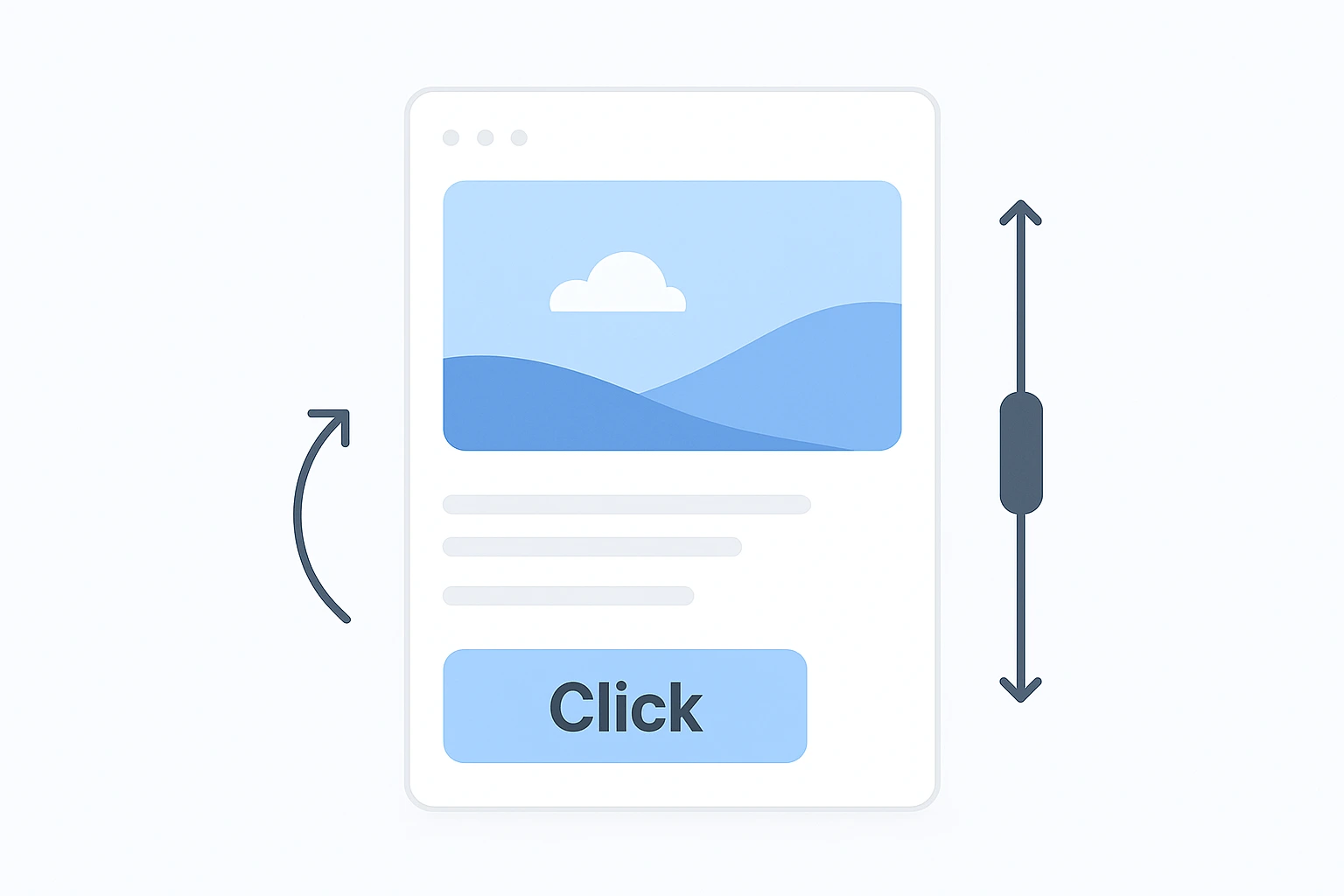
2. Scroll-Linked Hero Parallax
Pin top frame → Y = “Scroll Y × -0.4”. Instant depth.
3. Staggered Card Reveal
Override → Appear → Delay = index × 80 ms. Copy-paste magic.
4. Lottie → Framer Swap
Drag AE JSON → auto-loop. Confetti on “Subscribe” = 🎉
5. 3D Device Mockup That Follows Scroll
Spline scene → link rotation to scroll → client says “hire this person”.
6. Dark/Light Toggle With Color Shift
One switch, 17 shared variables. Looks like a full theme engine.
7. Exit-Intent Save
On Click Outside → animate modal from 100 vh to 0. Saves 18 % of bounce.
Step 3: Polish Like a $300/hr Agency
Breakpoints: duplicate frame, lock desktop, tweak mobile in 4 clicks.
Performance: WebP under 80 kb.
Accessibility: “Reduce Motion” toggle (built-in).
Live Handoff That Makes Devs Love You
Publish → Share → “View Source”.
Dev copies override code straight into React/Next. Zero “what was the easing?” emails.
Pricing Cheat-Code
Flat deck → $1,200
Clickable → $2,800
Motion → $4,500+
FAQ
Q: Can I export Framer motion back to Figma?
A: Record a 15-sec Loom, drop MP4 into Figma—clients never notice.
Q: Framer vs Webflow for animations?
A: Framer wins micro-interactions; Webflow wins CMS. Use both.
Q: Do clients need a Framer license?
A: Nope—public links work on any device, no login.
Q: How long does import take?
A: 11 seconds for 40 components. Coffee stays hot.
Q: Mobile breakpoints?
A: Duplicate, lock desktop, tweak—done.
Your 48-Hour Action Plan
Day 1
• Duplicate my kit
• Re-create Interaction #3 on your hero
• Send to one past client: “Quick refresh—thoughts?”
Day 2
• Add “Motion Prototype +$1,800” to your pricing page
• Post 22-sec Loom on LinkedIn #figma #framer
• Watch DMs explode
Posted in UX UI